
How to Identify the Best Results on Searshor
When searching online, not all results are created equal. Many search engines show ads, trackers, or irrelevant sites at the top, which can waste your time and compromise your safety. But with Searshor, the approach is different—your privacy and security come first.
Here’s how you can quickly identify the best and safest results when browsing with Searshor:
Here’s how you can quickly identify the best and safest results when browsing with Searshor:
🔝 Top Result = Most Relevant
On Searshor, the top result isn’t an ad or a paid promotion. It’s carefully designed to be the most relevant to your query, giving you faster, more accurate answers without distractions.
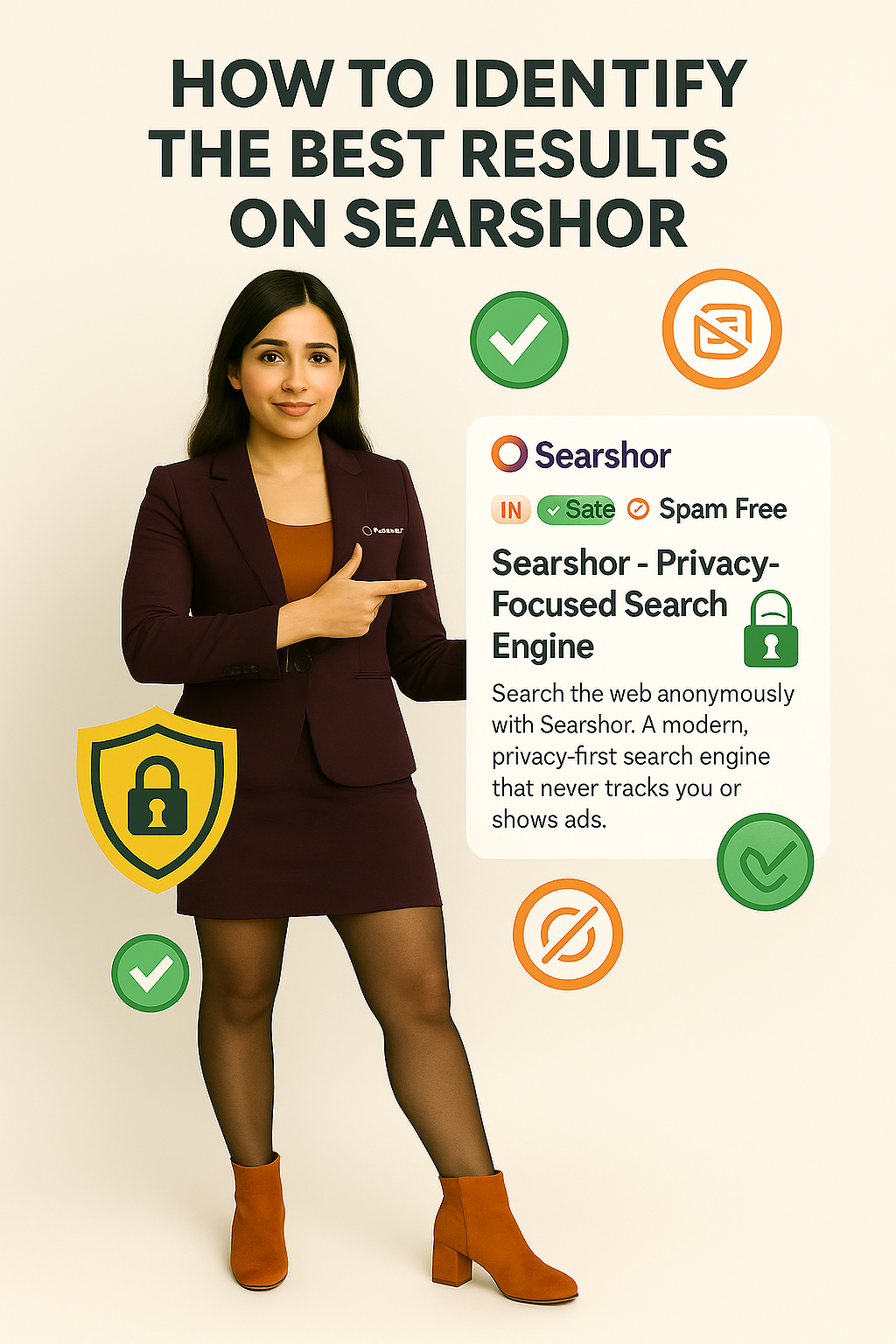
✅ Safe Link Tags
Every time you see the green "Safe" tag, it means the link has been verified as secure. You can click confidently, knowing the site is free from harmful threats or hidden risks.
🚫 Spam-Free Guarantee
No one likes clicking a result only to land on a spammy site. That’s why Searshor uses spam-free markers, ensuring that the results you see are clean, trustworthy, and safe for browsing.
🇮🇳 IN Badge for Indian Domains
If you’re looking for locally trusted information, watch for the “IN” badge, which highlights results from reliable Indian domains. This helps you find regional content faster and supports safe, authentic sources.
✨ Why It Matters
By paying attention to these trust signals, you’re not just finding answers—you’re making sure they come from safe, relevant, and high-quality sources. That’s the power of Searshor: privacy-first, secure, and spam-free searching.
So next time you search, look for the Safe, Spam-Free, and IN markers to make the most of your results. With Searshor, you’re always browsing smarter and safer.
Comments (0)
No comments yet. Be the first to comment!