
The convenience of free public Wi-Fi at a coffee shop or airport comes with a hidden, high-stakes cost: your privacy. This in-depth guide pulls back the curtain on the technical vulnerabilities inherent in shared networks. We’ll explain, in plain language, how "Man-in-the-Middle" attacks work, how network 'sniffing' exposes your data, and the critical difference between secure and unsecure connections. Most importantly, you will learn why a Virtual Private Network (VPN) is not just an optional tool, but the essential, non-negotiable security shield required to encrypt your data and protect against password theft, identity exposure, and financial fraud every time you connect.
1. Introduction: The Shared Street Analogy
The Siren Song: Acknowledge the irresistible pull of free, fast Wi-Fi.
The Reality Check: Define public Wi-Fi as a shared, unpoliced network where everyone can theoretically 'see' everyone else's traffic.
The Core Thesis: You must assume the network is compromised and take steps to protect yourself.
Preview: We will uncover the mechanisms of data leakage and present the ultimate defense.
2. The Vulnerability Explainer: How Data Leaks on Public Wi-Fi
The Open Door (Unencrypted Traffic):
Explain the difference between HTTP (HyperText Transfer Protocol) and HTTPS (Secure).
Analogy: HTTP is sending a postcard (anyone can read it); HTTPS is sending a sealed, locked box.
Emphasize that many apps and older/less-popular websites still use unencrypted connections, leaking login details and personal info.
The Eavesdroppers (Network Sniffing):
Explain how simple, inexpensive tools allow malicious users to 'sniff' or 'snoop' on network traffic passing through the same hotspot.
Data packets, when unencrypted, are like clear conversations in a crowded room.
The Imposter Trap (Rogue Hotspots):
Explain the danger of fake Wi-Fi networks (e.g., "Airport Free Wi-Fi 2" set up by a hacker) designed to capture all connecting traffic.
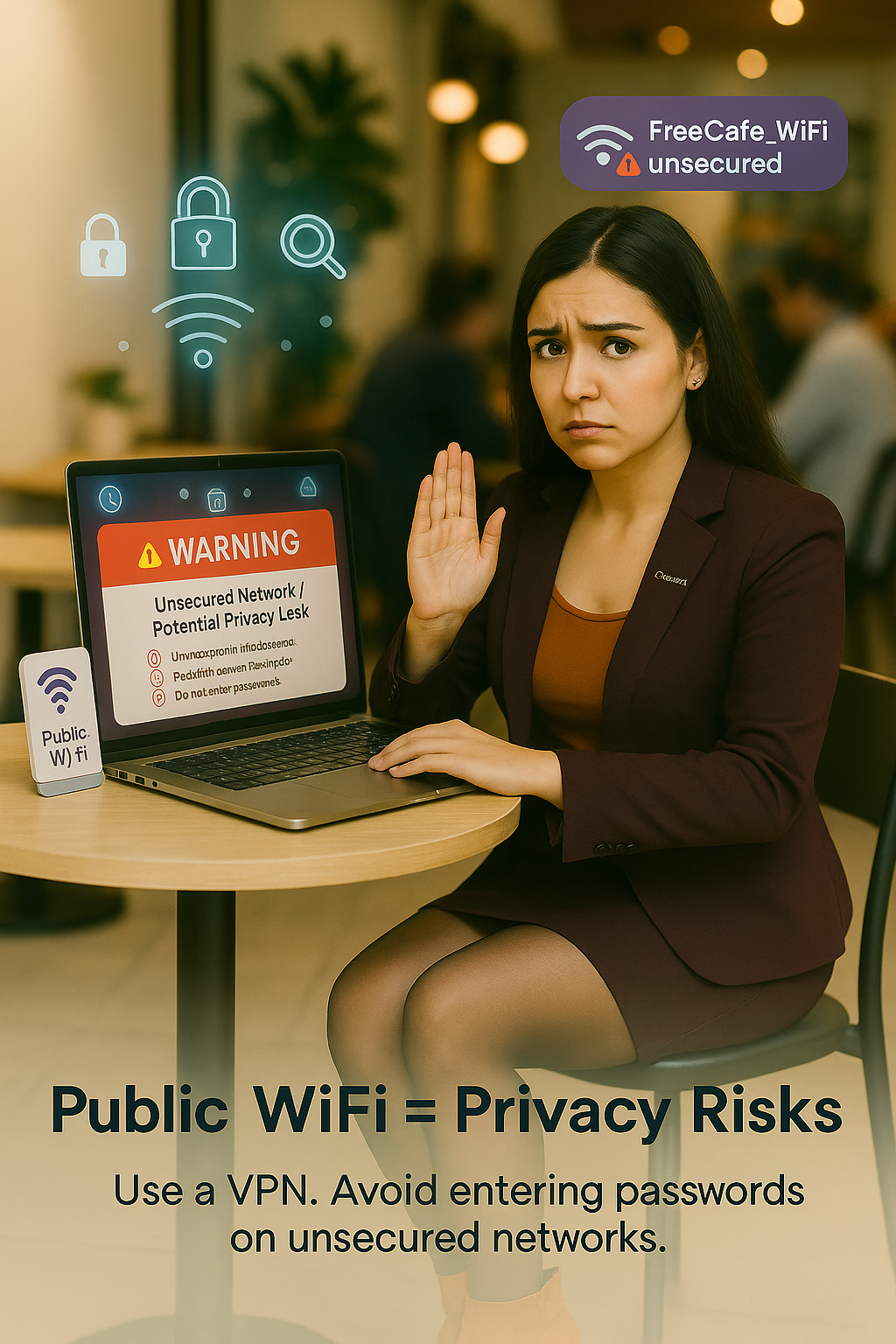
3. Deep Dive: What a Man-in-the-Middle (MITM) Attack Looks Like
The Concept: Explain that an MITM attack positions the hacker between the user and the website/server.
The Process: The hacker intercepts, reads, and potentially modifies the communication in real-time.
The Consequence: This is how passwords, credit card numbers, and session cookies are stolen, leading directly to account takeover.
4. Your Data Shield: The Power of a VPN (The Ultimate Solution)
What a VPN Is (Simple Definition): A Virtual Private Network creates a secure, encrypted 'tunnel' between your device and a server on the internet.
How the Tunnel Works:
Encryption: Your data is scrambled before it leaves your device and only unscrambled when it reaches the VPN server.
IP Masking: Your device's actual location is hidden, making tracing your activity back to you or the public Wi-Fi hotspot virtually impossible.
VPNs Stop the Leaks: Explain explicitly how a VPN defeats the threats discussed above (sniffing and MITM attacks become useless because the intercepted data is gibberish).
Key Features to Look For: Strong encryption (e.g., AES-256), a strict no-logs policy, and a kill switch.
5. Beyond the VPN: Other Critical Protections
Always Use HTTPS: Verify the padlock icon and the 'https://' in the URL before entering sensitive information.
Disable Auto-Connect: Prevent your device from automatically joining known or preferred networks.
Turn Off Sharing: Disable file, printer, and remote access sharing settings while on public networks.
Forget the Network: Delete the public network from your device's list of saved Wi-Fi connections after you leave.
Enable 2FA (Two-Factor Authentication): This acts as a backup, protecting accounts even if a password is leaked.
6. Conclusion: The Price of Security
The Takeaway: The only time public Wi-Fi is truly safe is when you are using a trusted VPN.
Final Call to Action: Encourage readers to invest in a quality VPN and make these security practices a routine part of their mobile lifestyle.
Comments (0)
No comments yet. Be the first to comment!