
We all love convenience. You're traveling, working remotely, or just out for coffee — your phone battery hits 5%, and a public charging port is right there. Easy fix, right?
Not so fast.
That charging cable could be doing more than just powering your device — it could be silently stealing your personal information.
Welcome to the world of “Juice Jacking.”
🔌 What Is “Juice Jacking”?
Juice jacking is a cybersecurity attack where a compromised USB charging port or cable is used to steal data or install malware on your device while you’re charging.
Public USB ports — like those at airports, malls, cafes, and train stations — can be modified to act as data-exfiltration points. When you plug in:
Your phone negotiates a data connection (not just power).
A malicious chip or software intercepts that data.
It can steal personal files, contacts, or tokens — or install malware for future spying.
Even if it takes seconds to charge, that’s enough to infect your device.
🧠 Why It’s a Real Privacy Risk
Modern smartphones contain a complete mirror of your life:
Photos, videos, location data
Contacts, messages, social media tokens
Bank apps and digital wallets
Saved passwords or session cookies
Compromising that through a single port gives an attacker enormous access.
1️⃣ Data theft in seconds
Your data can be cloned or mirrored rapidly via the USB data channel.
2️⃣ Malware installation
A modified charging station can drop spyware, ransomware, or remote-access tools onto your device silently.
3️⃣ Tracking & profiling
Even without visible theft, your device ID, OS info, or connection logs can be captured to track your identity across multiple locations.
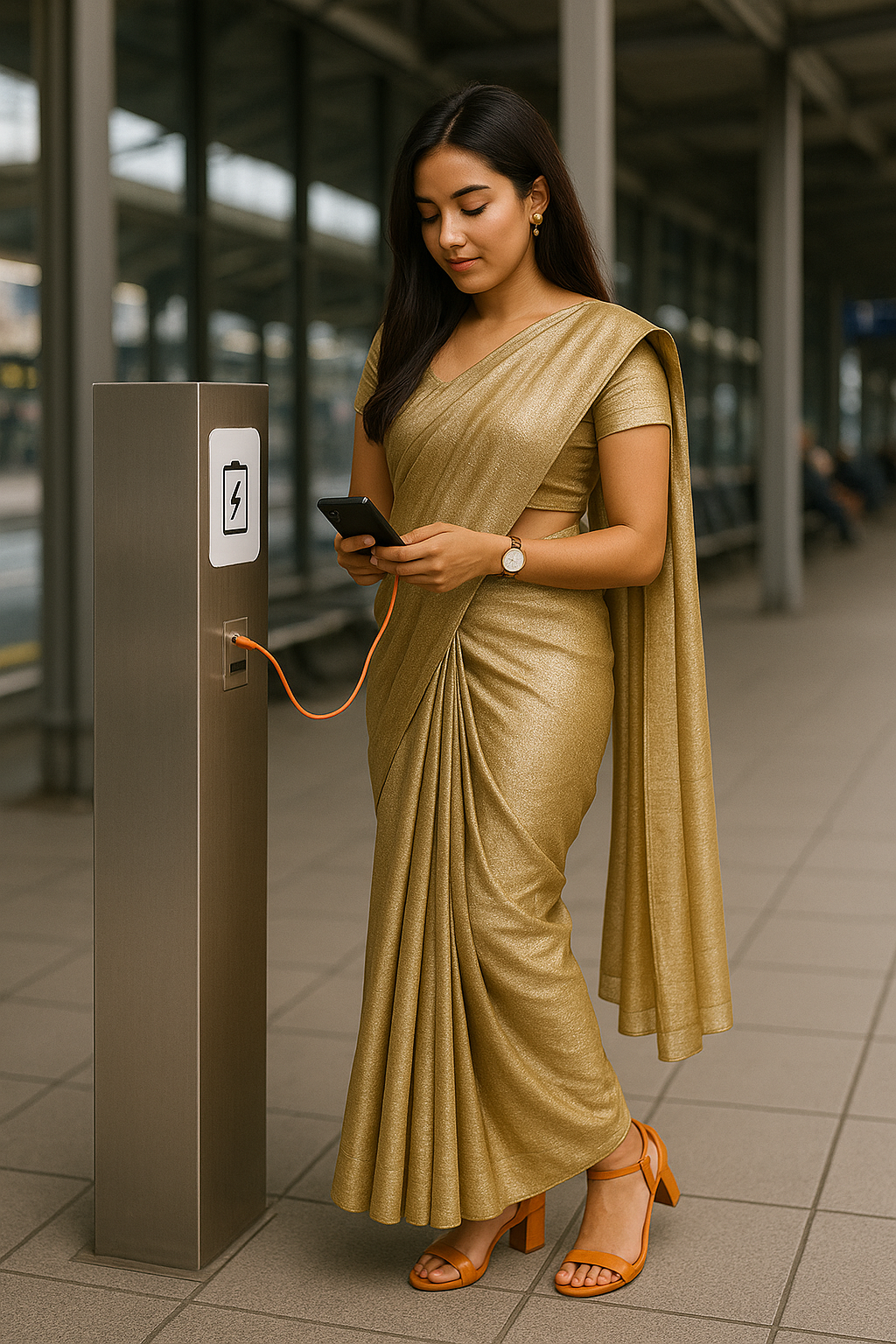
🚫 Real-World Incidents
FBI & FCC warnings (2023–2024): Both agencies officially warned consumers not to use free public USB charging stations, citing ongoing juice-jacking attacks.
Airport scams: Investigations found fake “charging kiosks” in multiple U.S. airports that were fitted with hidden data chips.
Cable swaps: Attackers distribute “gift” or “left behind” cables — that are actually USB data exfiltration tools — in coworking spaces and hotels.
🧰 How to Protect Yourself
✅ 1. Use Your Own Adapter & Cable
Always plug directly into a wall socket using your charger. Avoid USB ports you don’t control.
✅ 2. Carry a “Charge-Only” Cable
These are special USB cables with data pins disabled — they deliver power only, not data.
✅ 3. Use a USB Data Blocker (a.k.a. “USB Condom”)
A small adapter that goes between your cable and the public port. It physically blocks data transfer lines.
✅ 4. Disable Data Connection When Charging
On Android: enable “Charge Only” mode when connecting via USB.
On iPhone: always “Trust This Computer?” → Don’t Trust unless it’s your device.
✅ 5. Keep Your System Updated
If malware does get installed, up-to-date OS security patches can prevent deeper access.
✅ 6. Be Wary of Unknown Cables
Never borrow charging cables from strangers or use unsealed cables found in public.
🔍 A Privacy Mindset: Power ≠ Trust
Think of it this way — would you plug your phone into a stranger’s laptop to charge?
That’s what you’re doing when you plug into a public charging station.
Power and data travel through the same line in a USB connection — so every charge is a handshake. If you don’t know who’s on the other side, it’s not worth the risk.
🧩 How It Connects to Data Control
In the previous post (“Take Back Control of Your Personal Information”), we discussed how privacy isn’t just about online data — it’s about how your physical and digital habits intersect.
Public charging ports show this perfectly:
You can lose privacy without even going online.
It’s not just about cookies or trackers — it’s about physical access points.
Your phone is your personal vault. Every connection matters.
🔐 Final Thoughts
Public USB ports may look harmless, but in reality, they can be the perfect trap.
The good news: avoiding the risk is simple.
Carry your own adapter. Use a power bank. Block data lines.
In short — control your connections just as carefully as you control your personal data.
Because in today’s world, even a charging cable can leak your privacy.
Comments (0)
No comments yet. Be the first to comment!