
Safety First: How to Protect Yourself While Browsing Online
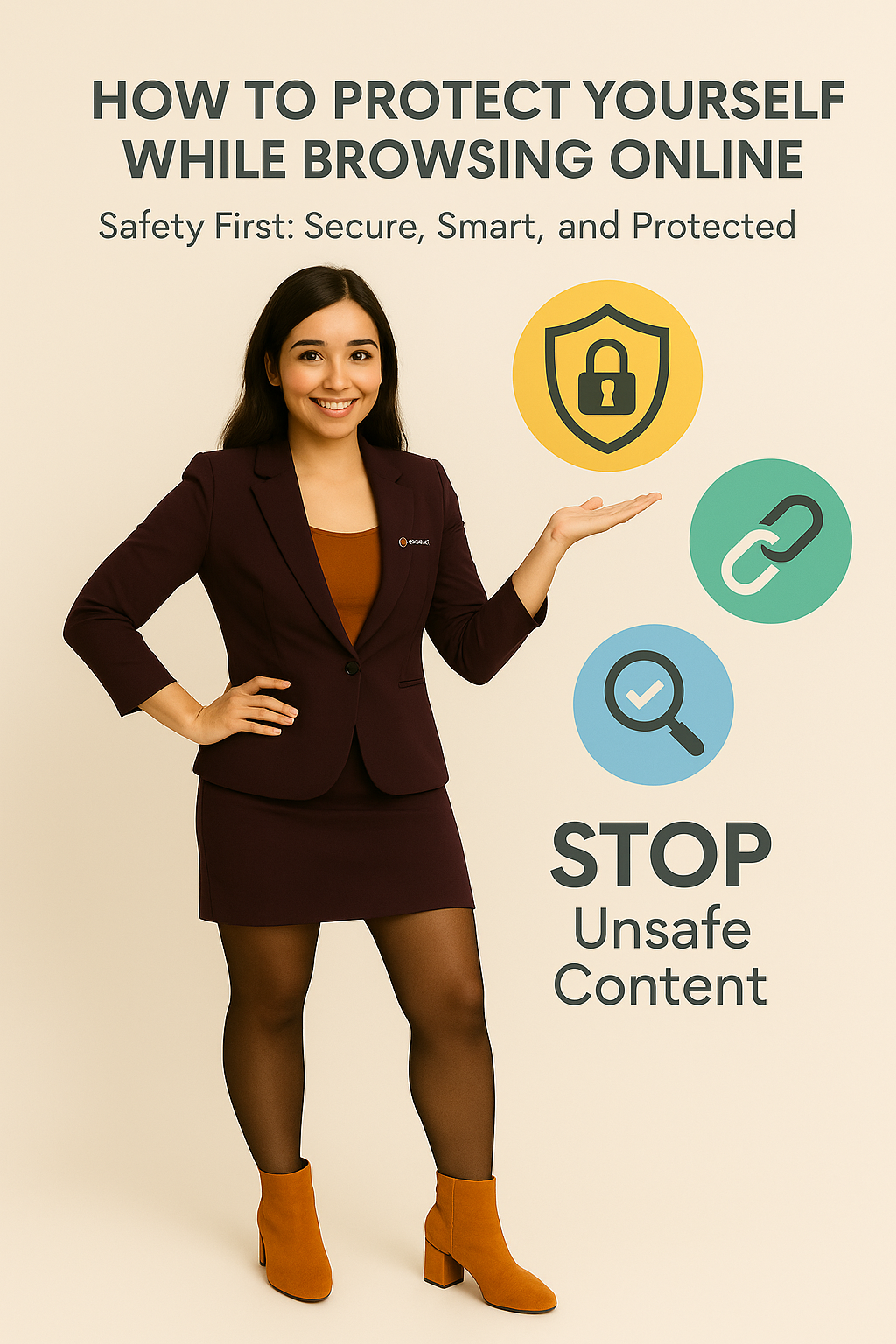
How to Protect Yourself While Browsing Online
Stay safe while browsing the internet! Learn essential tips to protect your privacy, avoid unsafe content, and ensure secure online experiences with our practical guide.
The internet is a powerful tool, offering endless information, opportunities, and entertainment. But with its benefits come risks like unsafe websites, phishing scams, and harmful content. Staying safe while browsing isn’t just about avoiding viruses—it’s about protecting your personal information, your device, and your peace of mind. In this blog, we’ll walk you through practical, easy-to-follow steps to make “Safety First” your mantra online.
Key Sections:
1. Recognize Safe vs. Unsafe Links
Always check the URL before clicking. Look for https:// and a padlock symbol.
Avoid suspicious links sent via email, social media, or unknown sources.
When in doubt, don’t click—search for the official site instead.
2. Use Privacy-Focused Search Engines
Popular search engines often track your browsing history.
Consider using privacy-first search engines (like Searshor or DuckDuckGo) to avoid unnecessary tracking.
3. Keep Your Software Updated
Updates aren’t just about new features—they fix security vulnerabilities.
Keep your browser, antivirus, and operating system up-to-date.
4. Be Cautious With Personal Data
Never share sensitive information (like passwords, banking details, or ID numbers) on unsecured sites.
Use strong, unique passwords and enable two-factor authentication (2FA) wherever possible.
5. Avoid Unsafe Content
Adult or misleading sites often contain malware or trackers.
Use browser settings and parental controls to filter unsafe content.
Remember: if something feels “off,” it probably isn’t safe.
6. Use Security Tools
Enable ad-blockers and anti-tracking extensions.
Install reliable antivirus software for extra protection.
Consider using a VPN for safe browsing on public Wi-Fi.
Conclusion:
Safe browsing isn’t about being paranoid—it’s about being smart. By recognizing unsafe links, protecting your data, and using secure tools, you can enjoy the internet without worry. Remember: Safety First, always.
Comments (0)
No comments yet. Be the first to comment!